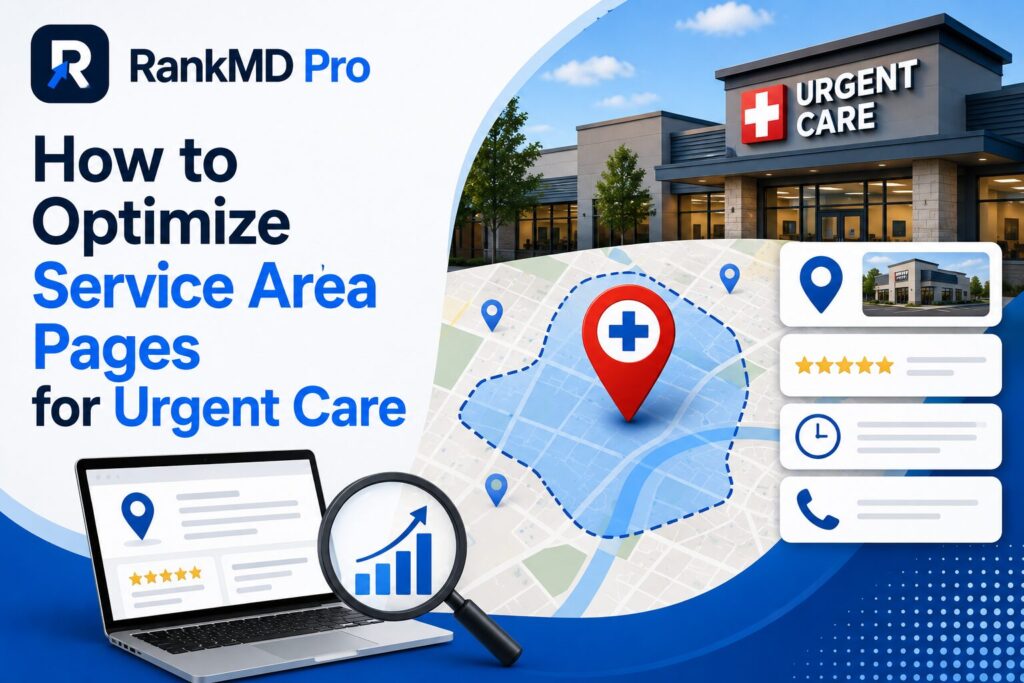
If your urgent care has three locations but only one shows up for “urgent care near me” across town, the problem isn’t your reputation it’s your service area pages. Most practices either skip them entirely or build thin, duplicate pages that Google quietly ignores. Either way, you’re leaving map pack visibility and patient calls on the table in every neighborhood you actually serve.
This guide breaks down exactly how to build service area pages that rank, satisfy real patient intent, and convert visits into calls using the standards Google’s local algorithm actually rewards in 2026 and 2027.
Quick Stats: Why Service Area Pages Matter Now
| Factor | Impact |
|---|---|
| Location-specific pages vs. generic “locations” list | Significantly higher local ranking potential |
| Unique content per page vs. duplicated template | Avoids Google’s duplicate-content suppression |
| Pages with embedded schema + maps | Higher map pack and AI Overview citation rates |
| Pages with local trust signals (reviews, staff, hours) | Higher click-to-call conversion |
| Neighborhood-level content vs. city-only targeting | Captures more “near me” long-tail searches |
1. Understand What a Service Area Page Actually Needs to Do
A service area page isn’t a location list it’s a dedicated landing page built to rank for a specific neighborhood or region and convert that specific searcher.
The Core Mistake Most Urgent Cares Make
Copy-pasting the same paragraph across five city pages and swapping the city name. Google’s algorithm easily detects this pattern, and duplicate or near-duplicate pages get filtered out of rankings entirely meaning only one page (if any) ever shows up.
What Google Expects Instead
- Unique content addressing that specific area’s patient needs
- Local landmarks, neighborhoods, or ZIP codes mentioned naturally
- Distinct FAQs relevant to that location (wait times, parking, specific services offered there)
2. Structure Each Page Around Local Search Intent
Not every visitor to a service area page wants the same thing. Structuring content around layered intent captures more of the funnel.
H2/H3 Framework That Converts
- What conditions do you treat here? (informational intent)
- Do you accept my insurance at this location? (commercial intent)
- What are today’s wait times? (transactional, urgent intent)
- How do I get there / where do I park? (local, immediate-action intent)
Answering all four on one page keeps patients from bouncing to a competitor to find missing information.
3. Use Schema Markup and Embedded Maps Correctly
In 2026, structured data isn’t optional for local pages it’s how Google and AI Overviews understand which physical location serves which area.
Technical Checklist
- LocalBusiness or MedicalClinic schema on every service area page, with unique NAP data
- Embedded Google Map pinned to that specific location, not a generic company map
- hours, service list, and accepted insurance marked up in schema, not just visible text
Pages missing this markup often rank for the city name but fail to surface for symptom-based or “near me” queries exactly the searches urgent care patients run most.
4. Build Topical Depth Around Each Location
A single service area page can only carry so much weight. To truly dominate a region, urgent care brands need a content cluster supporting blog posts and pages that reinforce local relevance and expertise.
Cluster Example for One Location
- Main service area page: “Urgent Care in [Neighborhood]”
- Supporting post: “What to Expect During a Visit at Our [Neighborhood] Location”
- Supporting post: “[Neighborhood] Flu Season Wait Times: What Patients Should Know”
- Supporting post: “Urgent Care vs. ER in [Neighborhood]: Which Should You Choose?”
This cluster structure signals topical authority for that specific area something a single thin page never achieves alone, and something we build systematically for multi-location practices at RankMD Pro.
5. Reinforce Every Page With Local Trust Signals
Ranking gets a patient to the page. Trust signals get them to call.
What Converts on Service Area Pages
- Location-specific reviews (not a generic company-wide review widget)
- Staff or provider photos specific to that clinic
- Real-time or clearly stated wait time information
- A direct click-to-call button above the fold, not buried in a footer
Common Mistakes Table
| Mistake | Why It Fails | Fix |
|---|---|---|
| One “Locations” page for all clinics | No unique ranking signal per area | Build individual pages |
| Duplicated content across cities | Google filters near-duplicates | Write unique local content |
| No embedded local map/schema | Confuses local relevance signals | Add location-specific schema |
| Generic reviews only | Doesn’t build location-level trust | Segment reviews by clinic |
| No internal links between hub and cluster pages | Weak topical authority signal | Link locations to supporting content |
Real Talk: Why Most Multi-Location Practices Get This Wrong
Building one strong page is easy. Building ten unique, technically sound, conversion-optimized service area pages each competing in its own local map pack is where most in-house teams and generic agencies fall short. It takes ongoing content production, technical schema management, and local authority building running in parallel across every location simultaneously.
This is precisely the system RankMD Pro builds for multi-location urgent care and healthcare brands: unique service area pages engineered for both traditional rankings and AI Overview visibility, backed by supporting content clusters that reinforce authority in every neighborhood you serve. Practices running this system see meaningfully higher call volume per location within a few months, not years because every page is built to rank and convert, not just exist.
Frequently Asked Questions
How many service area pages should an urgent care with multiple locations have?
One dedicated page per physical location or clearly defined service area never a single combined page for multiple clinics.
Will service area pages hurt my main homepage rankings?
No when structured correctly with unique content and internal linking, they support and reinforce your homepage’s overall topical authority.
Can I use the same photos across service area pages?
Avoid it where possible. Location-specific photos of staff, the building, and waiting areas significantly increase trust and local relevance signals.
How long should a service area page be?
Long enough to fully answer local patient questions typically 600–900 words of unique content plus schema, not padded filler.
Do service area pages help with Google Business Profile ranking too?
Yes, a strong, linked website page reinforces the trust and relevance signals Google uses to rank your corresponding GBP listing.
What’s the fastest way to tell if my current pages are too thin or duplicated?
Compare two location pages side by side, if more than 60–70% of the content is identical, Google likely treats them as duplicates.
Should service area pages target neighborhoods or entire cities?
Both, layered, target the city broadly while weaving in specific neighborhoods, landmarks, and ZIP codes your location actually serves.